
Introduction and key takeaways
Email remains one of the most effective channels for customer communication. When paired with automation, its reach and relevance increase substantially. This article summarizes core concepts, practical steps, and measurable outcomes that help teams set up and run automated email programs that perform.
Key points to remember:
– Automation reduces repetitive work and helps deliver timely, relevant messages.
– Effective automation relies on accurate data, clear customer journeys, and ongoing testing.
– Common ecommerce flows — welcome series, cart recovery, reengagement, and post-purchase follow-ups — produce measurable gains when implemented correctly.
– Selecting a platform that integrates with your data infrastructure and reporting needs will make execution simpler and faster.
What email marketing automation means and how it works
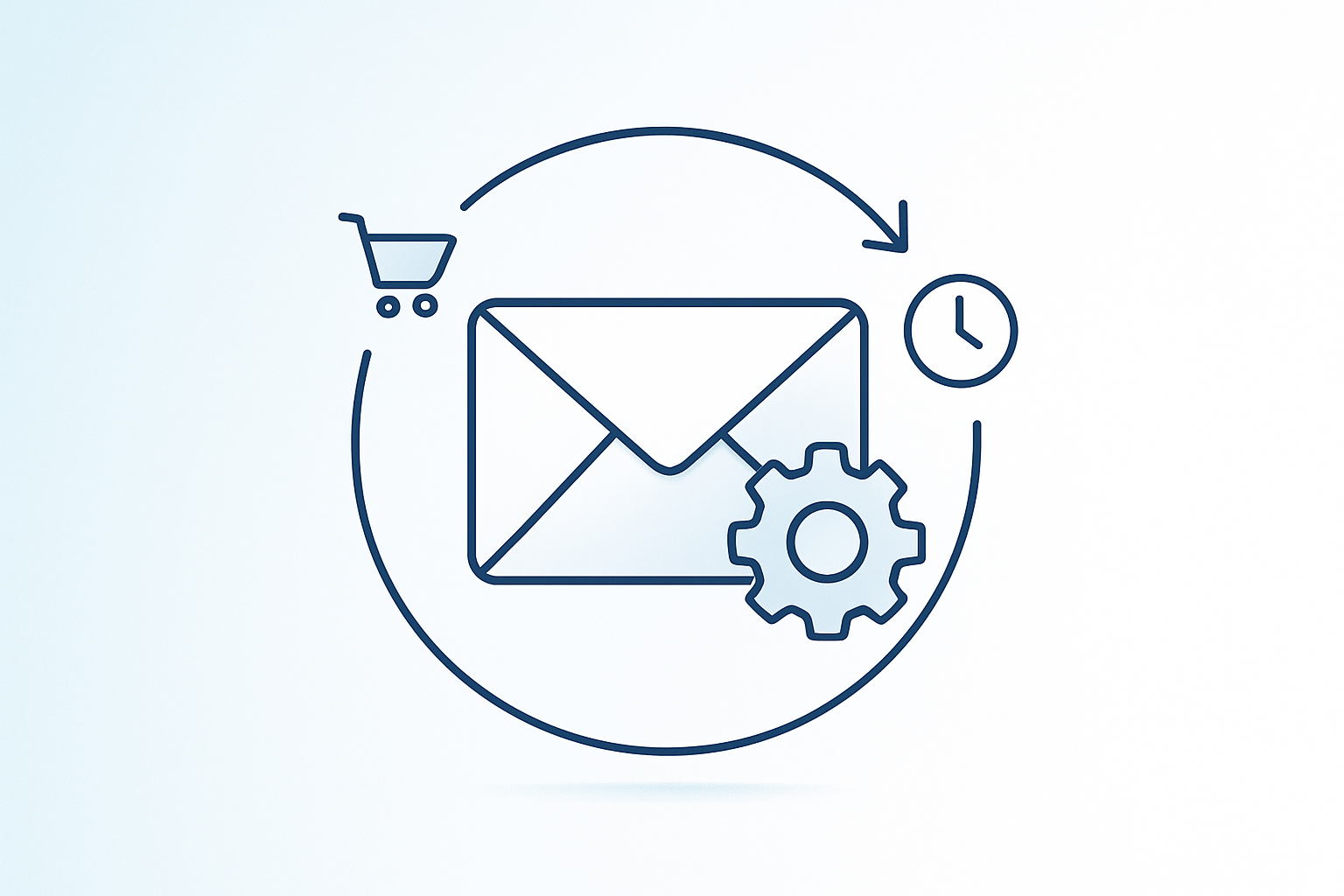
Email marketing automation uses software to trigger and send emails based on defined conditions. Those triggers can be behavioral (a product viewed), transactional (an order placed), time-based (a birthday), or derived from combined signals.
Behind the scenes, three things make automation function:
– Data collection: user activity, purchase history, preferences, and product metadata are captured and stored.
– Rules and workflows: triggers, timing, and message sequences are defined so the system knows what to send and when.
– Delivery and monitoring: messages are sent, deliverability is tracked, and responses feed back into the system.
Automation moves organizations from one-size-fits-all campaigns to targeted sequences. Once set up, a workflow can run without manual sending, while still adapting to recipient behavior. That combination of scale and personalization is the main advantage.
Why automated emails create better customer experiences
Customers respond to messages that are relevant and arrive at useful moments. Automated emails deliver on both counts by using behavioral cues and transaction records to determine timing and content.
Consider a simple example: a new subscriber receives a welcome note within hours, followed by curated product suggestions a few days later. If they click a product link but do not buy, the next message can highlight customer reviews or offer a small incentive. The experience feels tailored and helpful rather than random.
Personalization matters. Emails that reference recent activity or past purchases demonstrate that the brand understands the recipient’s needs. That encourages trust and repeat interactions.
Small details add up. The subject line, preview text, imagery, and the landing page the message points to must align. When each step is coordinated, recipients are more likely to engage and convert.
Benefits for marketing teams
Automation frees teams from repetitive manual tasks and allows time for strategy, creative testing, and cross-channel planning. Instead of building dozens of individual sends, teams design a set of reusable workflows that scale.
Productivity gains are tangible. Fewer manual sends mean fewer last-minute errors, and consistent workflows reduce the risk of missing important touchpoints like onboarding or service notifications.
Beyond time savings, automation improves measurement. Automated sequences provide clean, comparable data on how recipients respond over time. That data supports continuous improvement and helps justify budget and staffing decisions.
Finally, automation supports experimentation. Teams can launch A/B tests at scale, validate hypotheses, and iterate faster than with batch-and-blast approaches.
Scaling marketing operations with automation
When subscriber lists grow, manual processes break down. Automation provides a framework to maintain quality while increasing volume.
Key scaling functions include:
– Segmenting audiences automatically based on behavior or lifecycle stage.
– Triggering timely messages that respond to events rather than following rigid calendars.
– Reusing templates and modular content blocks so new flows can be created quickly.
– Centralizing reporting to see how multiple campaigns contribute to revenue and retention.
Automation platforms that can process real-time signals and act within minutes enable brands to respond while interest is high. That reactivity increases the likelihood of conversion and reduces wasted impressions.
As programs expand, governance becomes important. Access controls, naming conventions, and a library of approved templates help teams maintain brand consistency and legal compliance at scale.
Strengthening your best-performing channel with automation
Email often delivers the highest return on marketing investment. When that channel is supported by automation, its performance improves further because emails become more relevant and timely.
Consider two simple stats: billions of users globally check email regularly, and most people look at new messages daily. Those behaviors create many natural moments to communicate. Automation ensures those moments are not missed.
Instead of hoping a broad campaign will reach the right people, automation routes specific messages to users who have taken qualifying actions. For example, an abandoned cart message reaches shoppers who already showed purchase intent. That precision increases conversion rates while reducing irrelevant sends.
Email marketing automation best practices
Create engaging content driven by real-time data
- Content is still the primary driver of opens and clicks. Personalization moves beyond using a first name: it combines customer behavior, product availability, and contextual signals to craft meaningful messages.
- Use subject lines that set clear expectations and preview text that complements the headline. Keep copy concise and action-oriented. Visuals should support the call to action and load quickly on mobile.
- Real-time data makes a difference. If inventory changes, product recommendations should reflect that. If a customer has recently purchased an item, avoid sending emails that promote the same product immediately.
Test creative variations regularly to find what resonates with your audience.
Map and orchestrate the customer journey
Document the ideal path a customer should take from discovery to conversion and beyond. For each stage, define the behaviour that advances the customer and the message that nudges them forward.
Branching logic is useful. A click should trigger one path; no click should trigger an alternative. Purchase events should turn off prospecting flows and start post-purchase sequences.
Orchestration also means coordinating channels. If a customer opened an email and later saw a related ad, the combined exposure should feel consistent and helpful.
Maintain email list hygiene and deliverability
Deliverability is foundational. If messages do not arrive, none of the other optimizations matter.
Regularly remove invalid addresses and segment inactive users. Distinguish between hard bounces — permanent failures like non-existent addresses — and soft bounces, which may be temporary. Treat unsubscribes with respect: remove them promptly and honor preferences.
Monitor sender reputation, authentication (SPF, DKIM), and complaint rates. If deliverability issues arise, investigate recent changes in sending cadence, content, or list acquisition sources.
Optimize your site for conversions and a consistent experience
Email campaigns drive traffic to landing pages and product pages. Those pages must be aligned with the message and optimized to convert.
Ensure links point to tailored landing pages that reflect the email creative and offer. Reduce friction during checkout, and make it easy for visitors to find answers to common questions. Mobile optimization is not optional; many users will open emails and click through on phones.
A consistent brand experience increases credibility. When the email promise matches the on-site reality, conversion rates improve.
Common e-commerce use cases for automated email marketing
Welcome and onboarding series
A welcome sequence introduces new subscribers to the brand voice, sets expectations for future communications, and often yields higher engagement than routine campaigns.
Send the first message soon after sign-up. Follow with messages that highlight bestsellers, brand values, and a clear next action. Use subsequent messages to tailor recommendations based on early engagement.
Abandoned cart and browse recovery flows
Cart abandonment rates are high, but timely reminders work. Send an initial reminder within a few hours, then follow up with progressively helpful messages — social proof, urgency, or an incentive if appropriate.
Browse recovery messages target users who viewed product pages but left without adding items to cart. These reminders can include similar product suggestions or information that addresses potential concerns.
Reengagement and win-back campaigns
Inactive customers represent an opportunity. Identify segments that have lapsed and set automated schedules to attempt reactivation. Offer content that reintroduces value: product updates, personalized recommendations, or limited-time incentives.
Track responses and move active users back into standard flows. For those who remain unresponsive, consider a slow churn process that reduces send frequency until they either return or unsubscribe.
Post-purchase follow-up and cross-sell sequences
After a purchase, the relationship continues. Use follow-ups to confirm orders, provide tracking information, and deliver helpful product usage tips.
Follow-up sequences can ask for reviews, suggest complementary products, or provide maintenance advice. Timing matters: a care tip sent when the product arrives is more useful than a generic message weeks later.
How to build an email marketing automation strategy
Define goals and select the right campaign types
Begin with measurable objectives. Do you want to reduce cart abandonment by a certain percentage? Increase repeat purchases? Improve first-order conversion rate for new subscribers?
Match each objective to campaign types that influence the metric. Clear goals make it easier to prioritize work and measure impact.
Map customer journeys and design triggers
Outline the stages customers move through and the signals that indicate movement between stages. Design triggers to respond to those signals in real time: a cart event, a purchase, inactivity, or a change in preference.
Include fallback paths for unexpected behaviours. Design for both typical and edge-case scenarios so workflows remain robust.
Create tailored content for each workflow
Each workflow should have dedicated creative assets: subject lines, body content, images, and links. Tailor content to the recipient’s stage, past behaviour, and predicted needs.
Use a modular design so components can be reused across flows. That speeds up production and helps maintain consistent messaging.
Implement workflows in your automation platform
Translate your mapped journeys and triggers into the automation platform. Define entry criteria, branching rules, wait times, and exit conditions. Validate that each step behaves as expected in a staging or test environment.
Document workflows and assign ownership to ensure clear maintenance responsibilities.
Test, monitor, and iterate with A/B testing and analytics
No strategy is complete without testing. Use A/B tests to compare subject lines, CTAs, send times, and creative. Monitor key metrics and learn from both wins and losses.
Set a cadence for review and improvement. Small, regular changes compound into meaningful performance gains.
Key features to evaluate in email automation tools
Supported campaign types and workflow complexity
Confirm that the platform supports the kinds of campaigns you need — from simple triggered messages to multistage, branched workflows. Check whether it can handle conditional logic, wait steps, and exclusions.
Behavioral triggers, timing controls, and personalization
Look for robust triggering options: event-based, attribute-based, and time-based. Timing controls should let you specify delays and windows. Personalization capabilities should include dynamic content blocks, product recommendations, and custom fields.
Integration with CDP, CRM, and other martech systems
Automation is only as good as its data. The tool should exchange data seamlessly with your customer data platform, CRM, ecommerce platform, and analytics systems. Bi-directional syncing reduces duplication and ensures messages reflect the latest information.
Analytics, reporting, and AI-assisted orchestration
Strong reporting helps measure the business impact of each workflow. Look for dashboards that link email metrics to revenue and lifetime value. AI-assisted features that help with send-time optimization, subject-line suggestions, or audience scoring can accelerate setup and improve results when used carefully.
Implementation roadmap and quick checklist
Start with a phased plan:
– Audit current email programs and data sources.
– Prioritize high-impact workflows (welcome, cart recovery, post-purchase).
– Define data flows and integrations required.
– Build and test workflows in a controlled environment.
– Launch flows to segments and monitor results.
– Iterate and expand to additional campaigns.
Quick checklist:
– Confirm data inputs and mapping.
– Set authentication records for sending domains.
– Prepare creative assets for each workflow.
– Document triggers, timing, and ownership.
– Establish KPIs and reporting cadence.
– Create a governance plan for new flows and templates.
Measuring success and the KPIs to track
Track a mix of engagement, deliverability, and business metrics:
– Delivery and bounce rates to monitor inbox placement.
– Open rates and click-through rates for engagement.
– Conversion rate and revenue per recipient for direct business impact.
– Average order value and repeat purchase rate for lifetime metrics.
– Unsubscribe and complaint rates to gauge message relevance.
– List growth and reactivation rates for audience health.
Connect email metrics to revenue when possible so stakeholders can see how campaigns affect the bottom line.
Next steps and recommendations for adoption
Begin with a few core flows that address clear business needs. Keep the initial scope manageable so you can validate impact quickly. As confidence and results grow, expand into more complex orchestrations and experiment with additional personalization.
Invest in data hygiene and integrations early; clean data reduces friction later. Assign clear owners for flows and reporting. Regular reviews will keep the program performant and aligned with changing business priorities.
If you evaluate tools, prioritize platforms that integrate with your core systems and offer transparent reporting. Consider vendor support and available training when making a decision.
Conclusion and final takeaways
Automated email programs combine relevance, timing, and scale to produce measurable gains across engagement and revenue. Success rests on clear goals, accurate data, carefully mapped journeys, and disciplined testing. By starting with high-impact workflows and maintaining good data practices, teams can build programs that reduce manual work and increase customer lifetime value.
Small, consistent improvements — in content, timing, and targeting — compound into meaningful outcomes. Begin with a focused plan and expand as you learn what moves your audience.